Photo and carousel downloader
Instagram Photo Downloader in full resolution
Paste a post link to save its photos, every carousel slide included, as JPGs at the largest size Instagram keeps.
- They won't see you
- No Instagram login
- Free to use
 travel.with.mia3 new stories · 48.2K followersDemo
Seen by 1,284

 +
+You're not on the list

- No password, everWe never ask for your Instagram login.
- They won't knowYour name never reaches their viewer list.
- Public accounts onlyPrivate stays private. We don't get around it.
How it works
How to download Instagram photos
- 01
Copy the post link
Tap the three dots or Share on the post and choose Copy link. A profile link or @username works too, if you'd rather browse.
- 02


Open the post
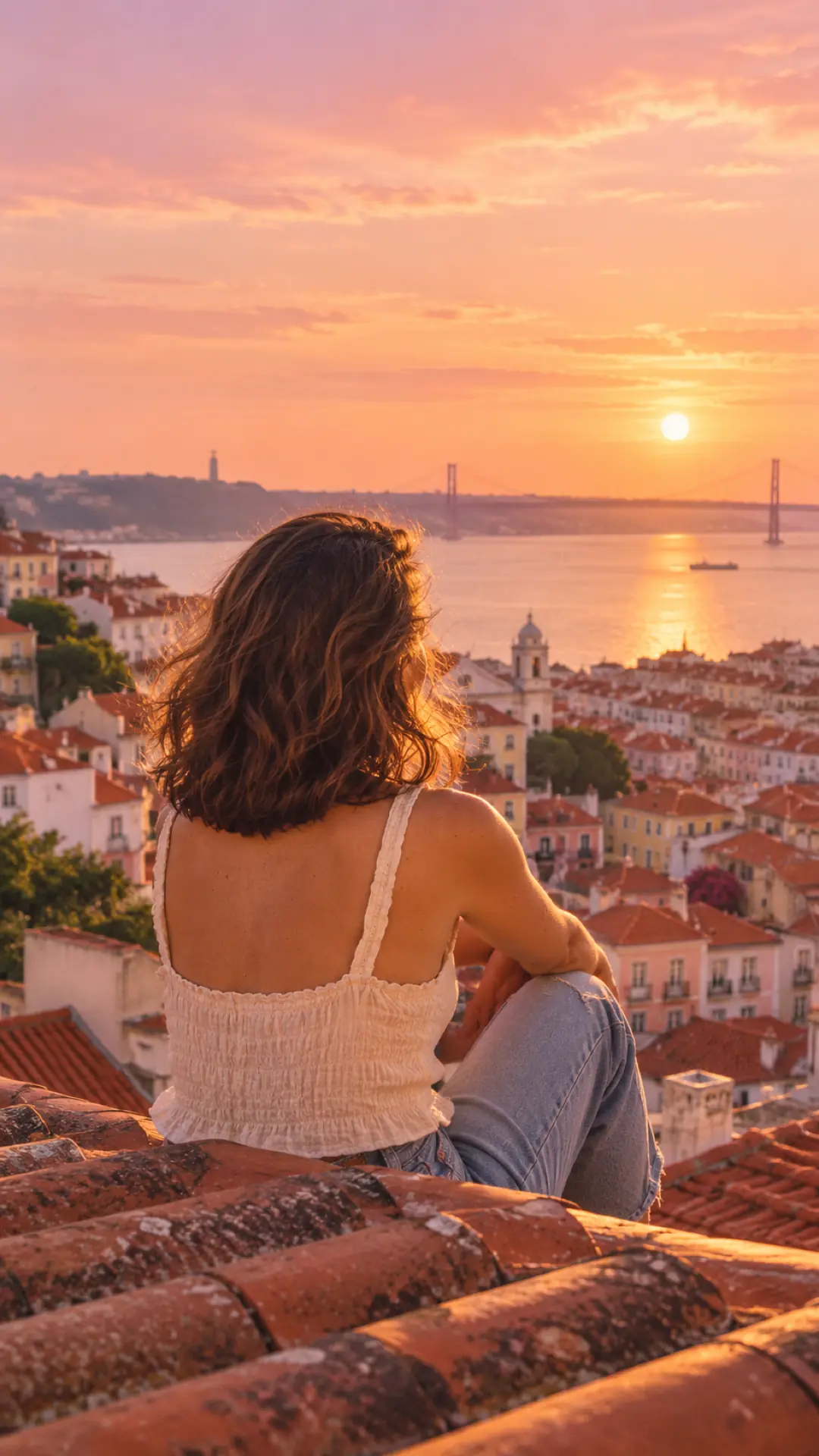
A single photo shows Download photo right away. A carousel says how many slides it holds; tap See and save all to flip through them.
- story_1.jpg1080×1920 · original quality03
Save one or all
Download the slide on screen, or tap All to save every picture in the post. Each one is a separate JPG, numbered in order.
What is an Instagram photo downloader?
An Instagram photo downloader saves the pictures from an Instagram post to your device as image files. A screenshot captures your screen, status bar and all, at whatever size your phone shows. This saves the actual photo, as a JPG, at the largest size Instagram stores, usually 1080 pixels wide. It's the clean way to download Instagram photos in HD, not a copy of your screen.
Carousels are where this Instagram picture downloader saves the most time. Every slide comes out as its own numbered file, like account_code_1.jpg and account_code_2.jpg, so the order of the post is kept. Type a username instead of a link to browse the account's posts grid, or open the Tagged tab to find pictures other people tagged them in.
What you can save
- Photos as JPG at the largest size Instagram keeps, usually 1080 px wide
- Every slide of a carousel, saved in order and numbered
- The posts grid of any public account, with Load more for older posts
- Tagged photos: posts where other accounts tagged them
- The profile picture in HD, from the button on the profile card
What people save photos for
- 01
Study a photographer's work
Collect shots whose light, framing or color you want to learn from, in one folder you can compare side by side.
- 02
Keep event photos you're in
Weddings, trips and parties end up on friends' public profiles. Save the pictures of you at full quality, not as a blurry screenshot.
- 03
Gather product shots
Shops and marketers save public product photos and carousel layouts for mood boards and briefs, then credit the source.
Good to know
- Instagram stores photos at about 1080 px wide, so that's the ceiling. No downloader can reach the bigger original from the creator's camera.
- Tapping All saves the slides one after another. Your browser may ask once whether this site can download several files; allow it.
- Photos on private accounts can't be opened or saved.
Related tools
All tools
Everything you want to know, in one place
Viewers, downloaders, your own account and growth tools. Free to try, no Instagram login.

Story viewer
Watch live stories and highlights without showing up in the viewer list.

Profile viewer
HD profile photo, bio, counts, stories and highlights of any public account.

Reels downloader
Save any public reel in HD, with or without the sound.

Photo downloader
Every photo of a post or carousel in original quality.

Unfollowers tracker
Upload your Instagram data file and see exactly who left, with dates.
Likes viewer
Paste any public post and see who liked it, and read the comments.

Secret admirers
People who keep liking your posts but don't follow you.
Profile analyzer
Engagement rate, best posting times and top posts of any public account.
Hashtag generator
Related hashtags with real post counts. Pick a balanced 5 and copy.
FAQ
Photo downloader: common questions
Paste the carousel's link, tap See and save all, then tap All. Each slide downloads in turn as its own JPG, numbered in the same order as in the post.
Yes, at the largest size Instagram keeps, which is usually 1080 pixels wide. That's sharper than a screenshot and it's the same file Instagram shows on a big screen.
Yes. Type the @username and the Posts tab opens with the account's grid. Tap a post to open it and save its photos. Load more brings in older posts as you go.
JPG. They open everywhere: Photos on iPhone, the gallery on Android, any computer, and editors like Photoshop, Canva or Lightroom, with no converting needed. The name matches the account and post.
Yes. Look up the account and tap HD profile photo on its profile card. You get the large version of the picture, not the small circle Instagram shows in the app.
No. Instagram has no alert for photos saved outside the app, and here nothing touches your account at all: no like, no follow, no view from you, nothing they could trace.
It was probably deleted or archived, or it's on a private account. If the account is public, copy the link again from the post itself and make sure you copied the whole address.
Curious? See it for yourself.
Type any public username and their stories are on your screen in seconds.
Open the story viewer